Find events
The events page lists every public event. No account is needed to browse.
The events page
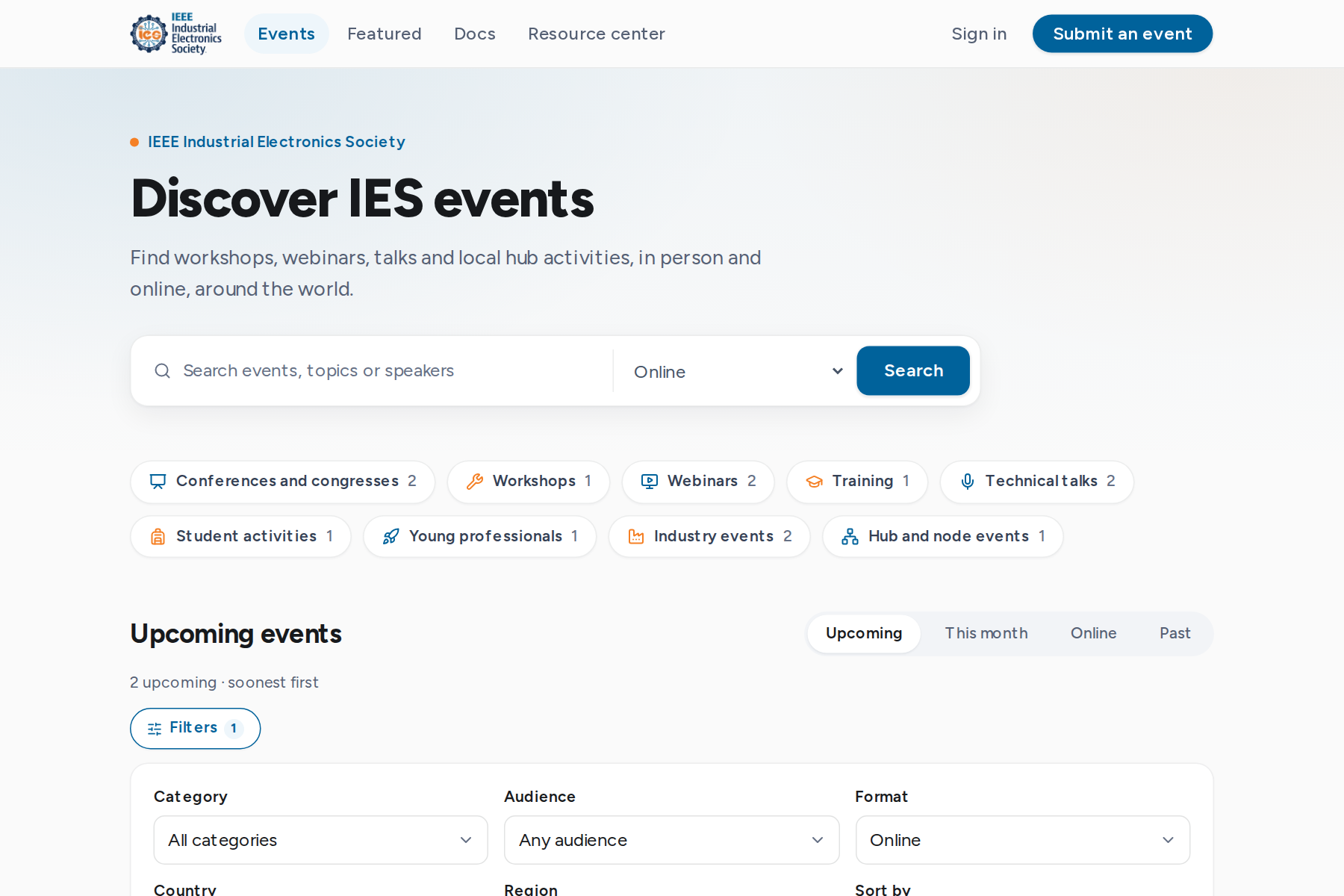
Open Events in the top bar. The page starts with a search box, category pills and the featured events, followed by the upcoming events in date order.
- Search matches event titles, topics and speakers. The location select (Anywhere) narrows the results to online events or an IEEE region.
- Category pills show one kind of event, with the number of events in each.
- Tabs switch between Upcoming, This month, Online and Past events.
Filters and sorting
Filters narrows the list by category, audience, format, country and IEEE region. Sort by changes the order. Select Apply filters to update the list. The search, tab and filters are kept in the page address, so a filtered list can be bookmarked or shared.

The event page
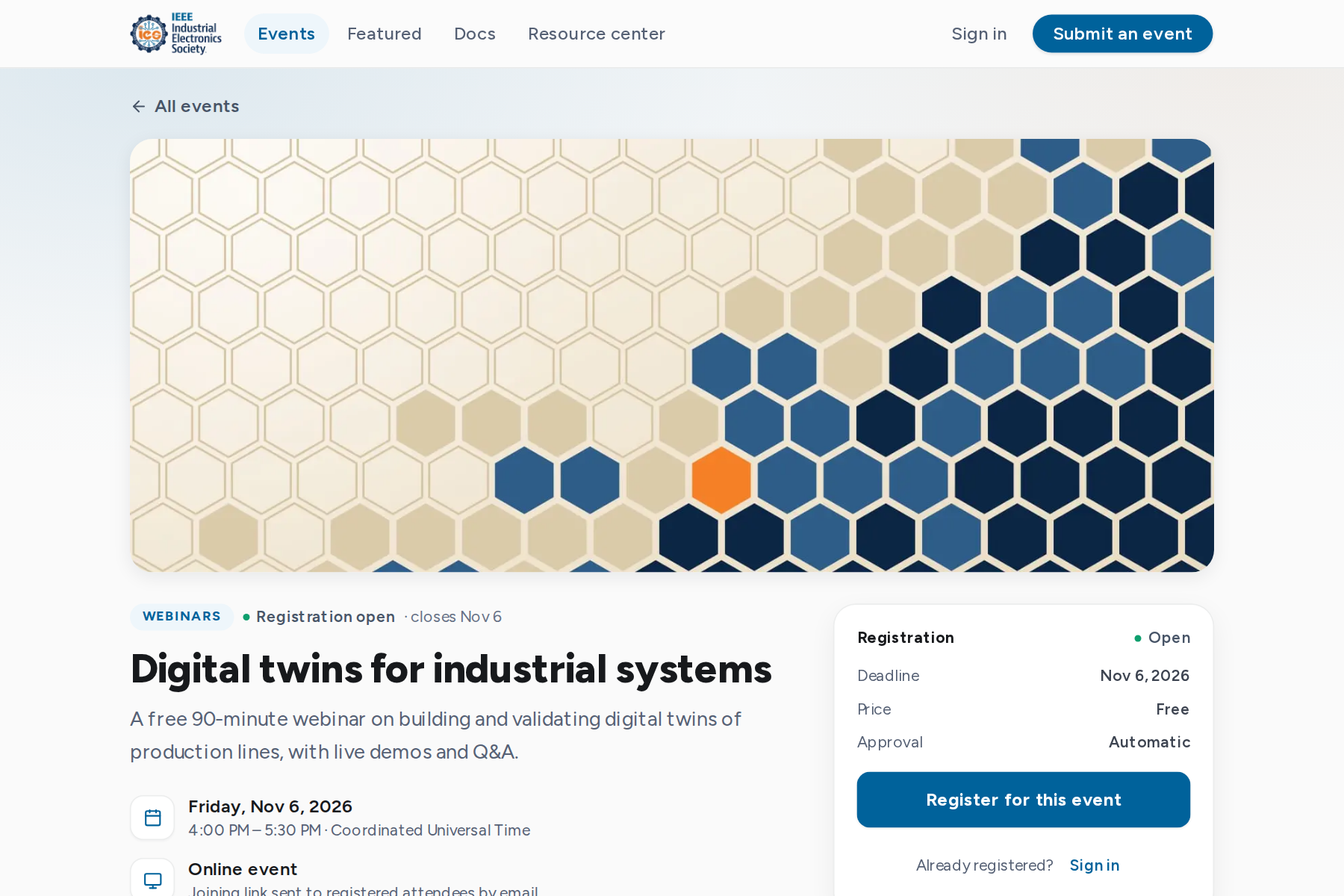
Each event page shows:
- The date and time in the event's time zone, the format and the venue or online access.
- The registration card: status, deadline, price (always Free), approval mode and, when the organizer shows it, the places left.
- About this event, who should attend, the program, speakers and related resources.
- Add to calendar downloads a calendar file. Share copies the link.
- Contact organizer opens an email to the organizer's contact address.
In person, online and hybrid
| Format | What to expect |
|---|---|
| In person | A venue, city and country. Some events show the full venue to registered attendees only. |
| Online | The joining link is sent by email once your place is confirmed. It is never shown on the public page. |
| Hybrid | A venue and an online link. The registration form may ask how you will attend. |
Registration status
The registration card states what can be done now.
| Status | Meaning |
|---|---|
| Register | Places are open. Registration is confirmed on submit. |
| Apply to attend | The organizer reviews each registration before confirming it. |
| Join the waitlist | The event is full. Freed places go to the waitlist in order. |
| Opening soon | Registration has not opened yet. The card shows the opening date. |
| Registration closed | The registration window has ended. |
| Event full | No places left and no waitlist. |
| No registration needed | Attend without registering. |
| Coming soon | Conference registration opens later. |
| Event canceled | The event will not take place. |
| Past event | The event has ended. |
To register, see Register for an event.