Register for an event
Registration runs in steps and ends with a reference code.
Start registering
- 1
Open the event and select Register for this event. The button reads Apply to attend when the organizer reviews registrations, and Join the waitlist when the event is full.
- 2
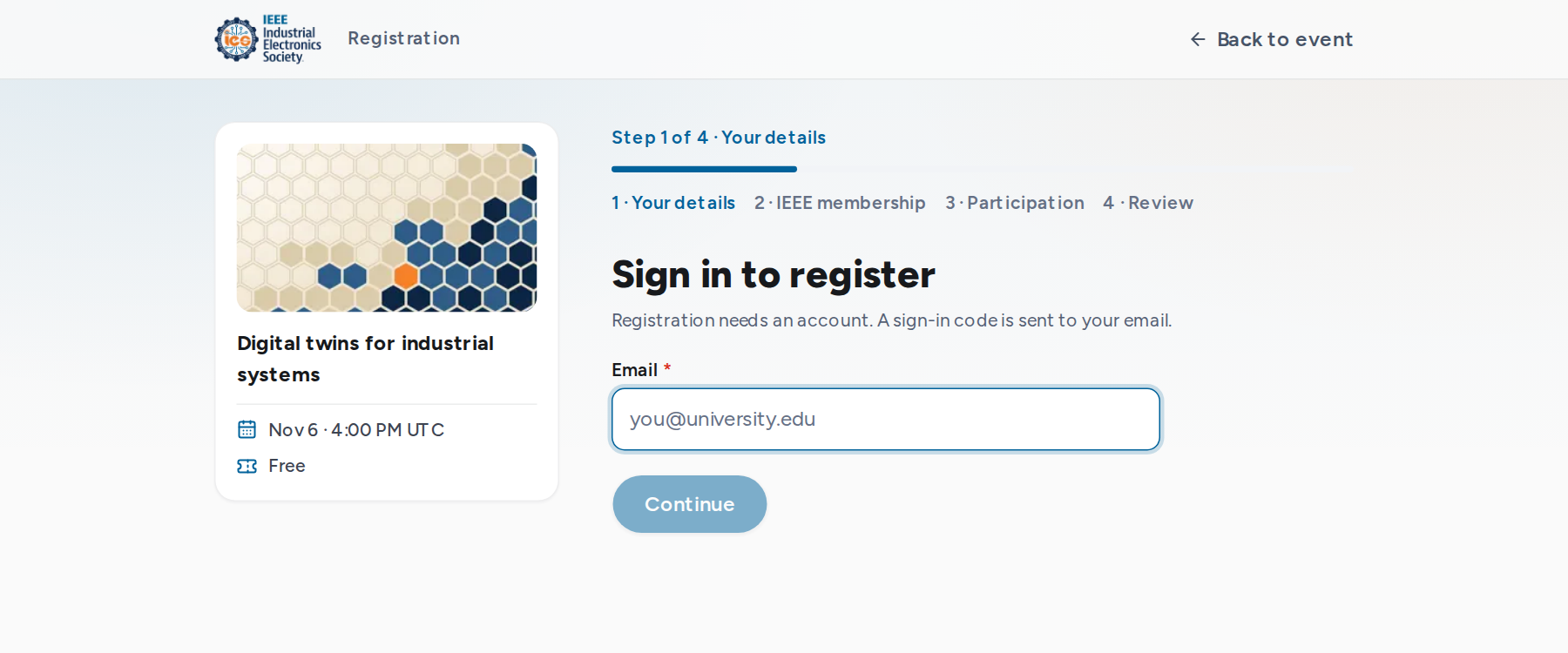
Signed out, the first step is Sign in to register. Enter your email and the 6-digit code sent to it. A new account also asks for your name.
Fill in the form
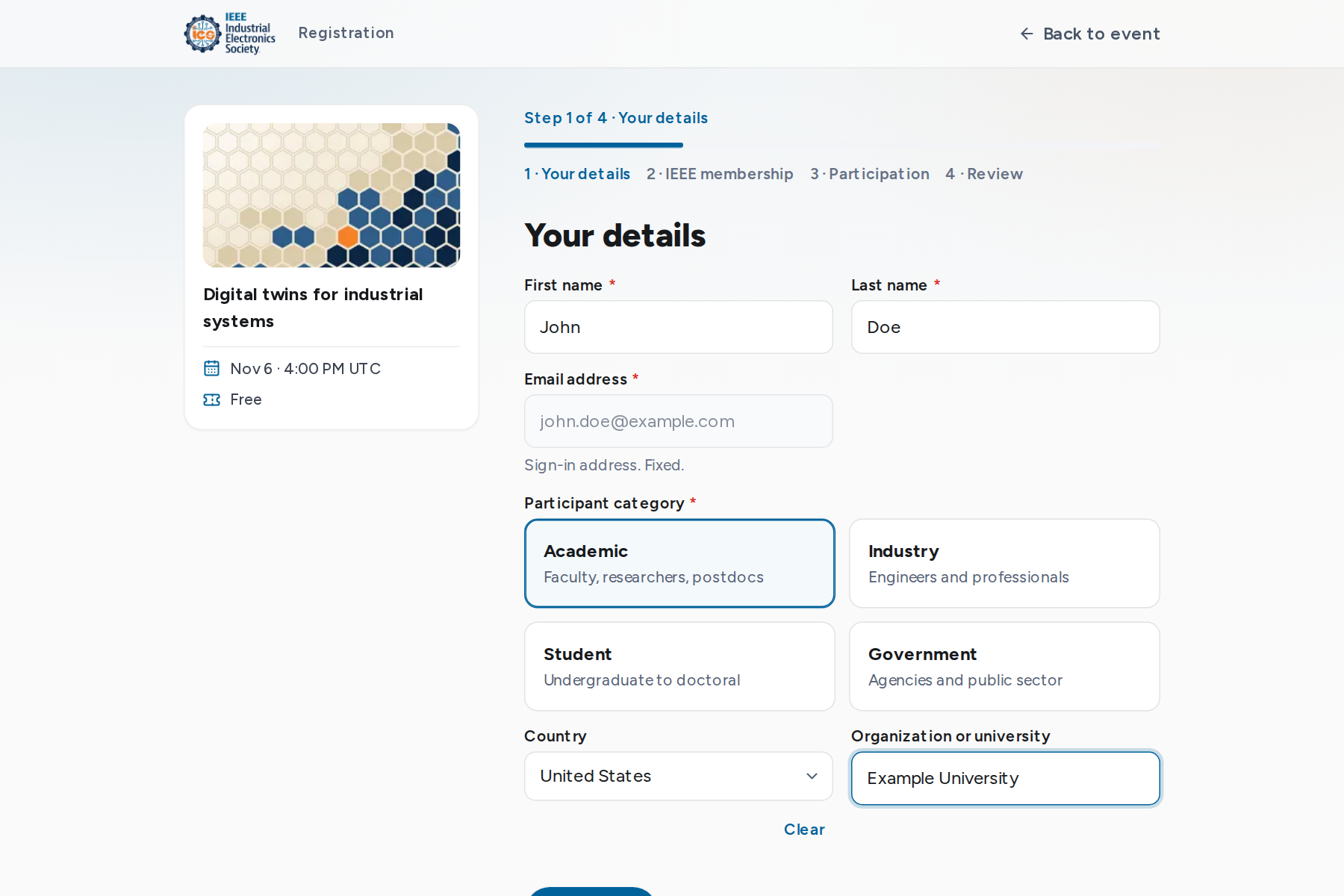
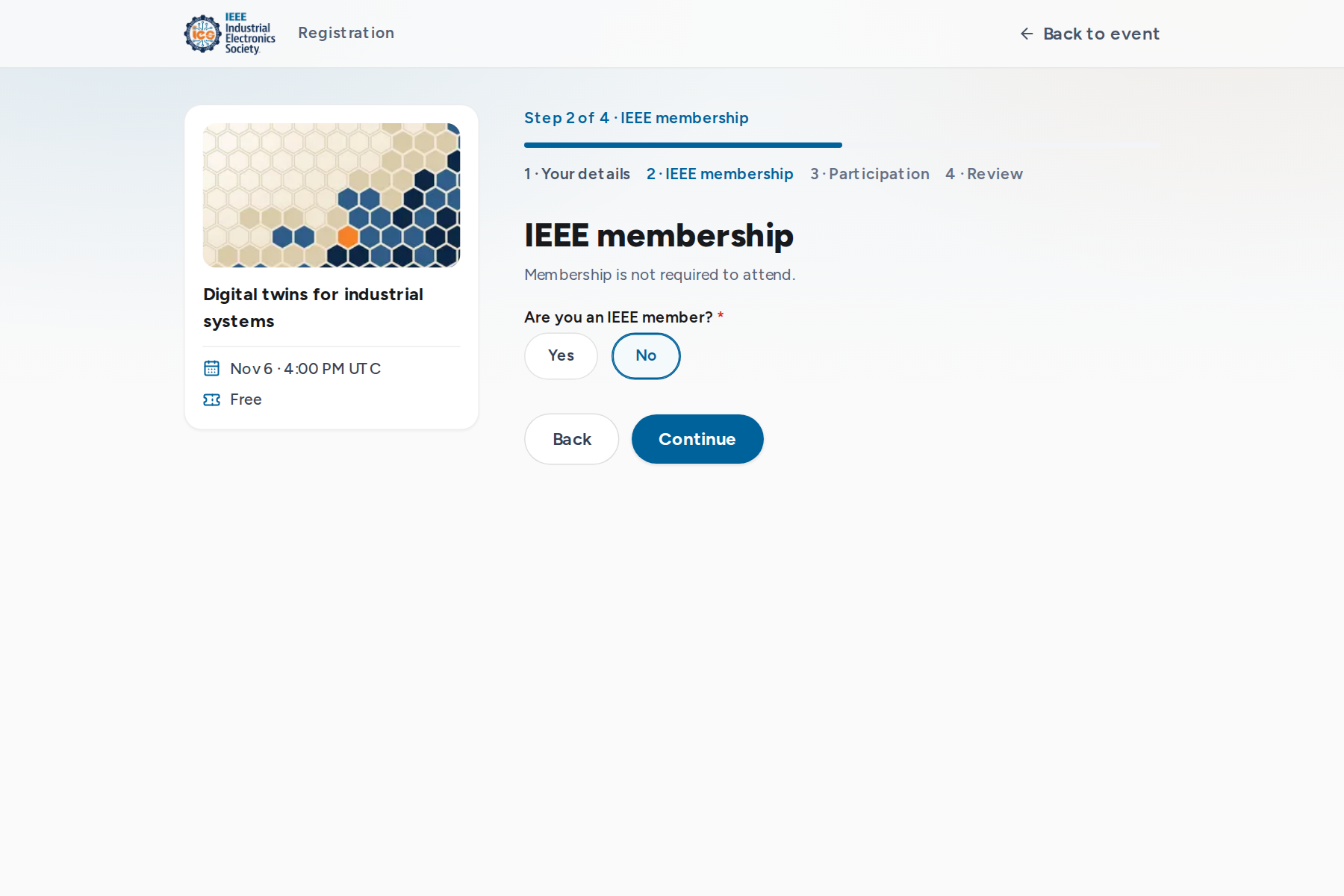
The steps are shown above the form. The default form asks for your details, IEEE membership and participation questions. Organizers can add their own questions, so steps differ between events.
- Name, organization and country are prefilled from your profile and earlier registrations.
- The email is your sign-in address and cannot be changed in the form.
- Some questions appear only after a related answer, for example the IEEE member number.
Review and submit
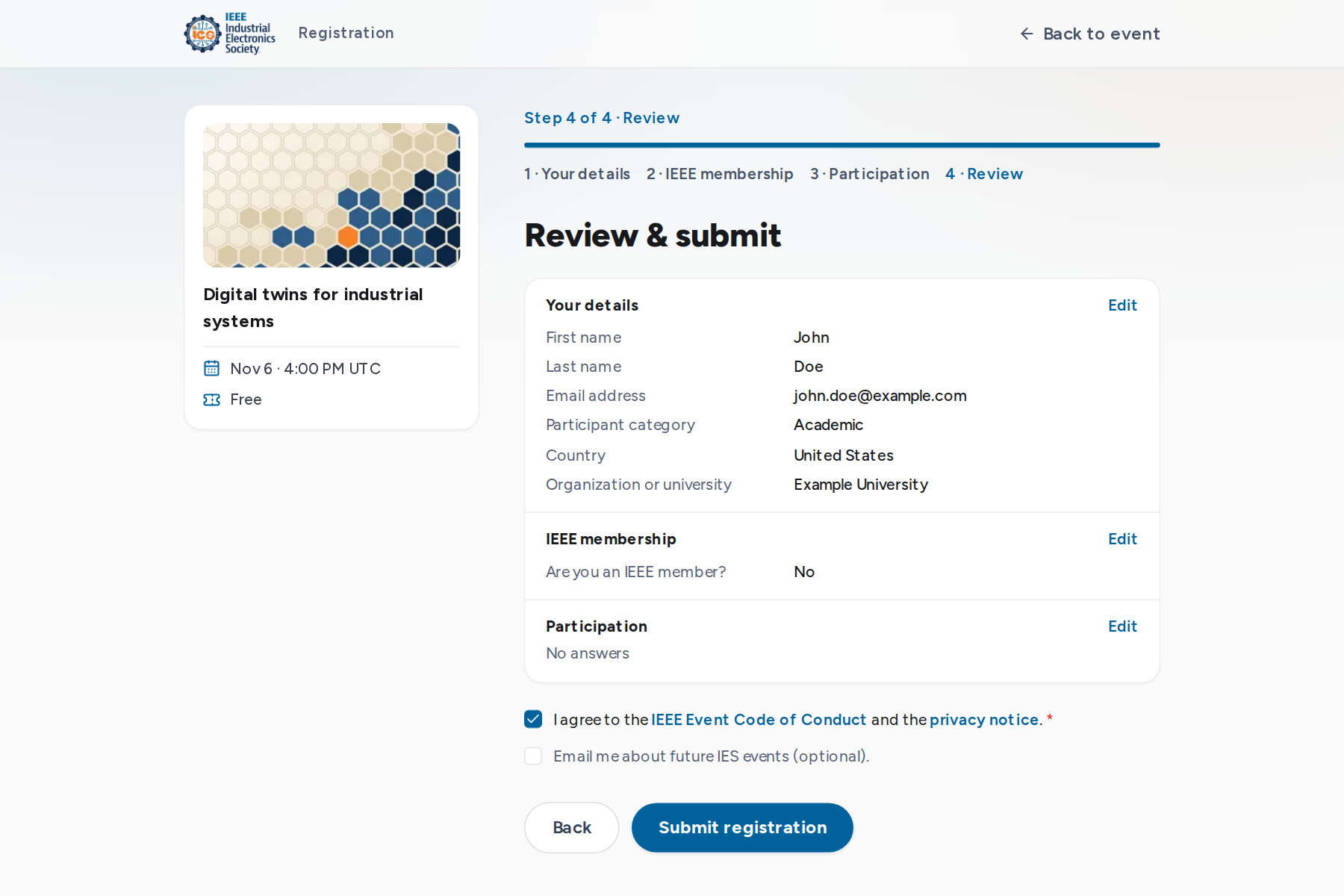
The last step lists every answer with an Edit link back to its step. Accepting the IEEE Event Code of Conduct and privacy notice is required. Email about future IES events is optional.
After you submit
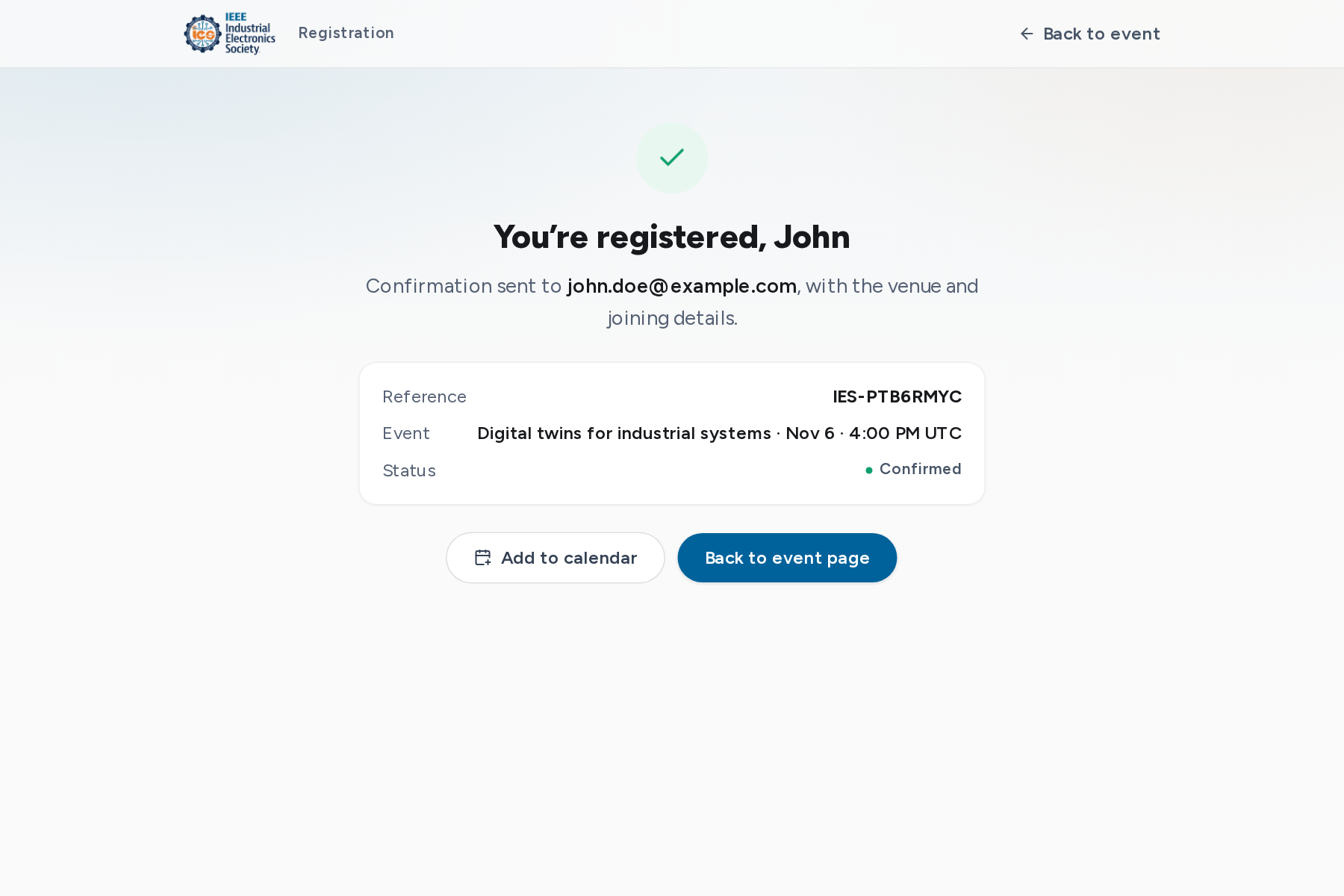
The confirmation screen shows the outcome and your reference code, in the form IES-XXXXXXXX. The same details arrive by email.
| Outcome | What happens next |
|---|---|
| You’re registered | Your place is confirmed. The email includes a calendar file and, for online events, the joining link. |
| Registration submitted | The organizer reviews it. An email follows when it is approved or declined. |
| You’re on the waitlist | Places freed by a cancellation or a capacity increase go to the waitlist in order, for organizer review on manual-review events. An email follows. |
Next: Manage your registrations.