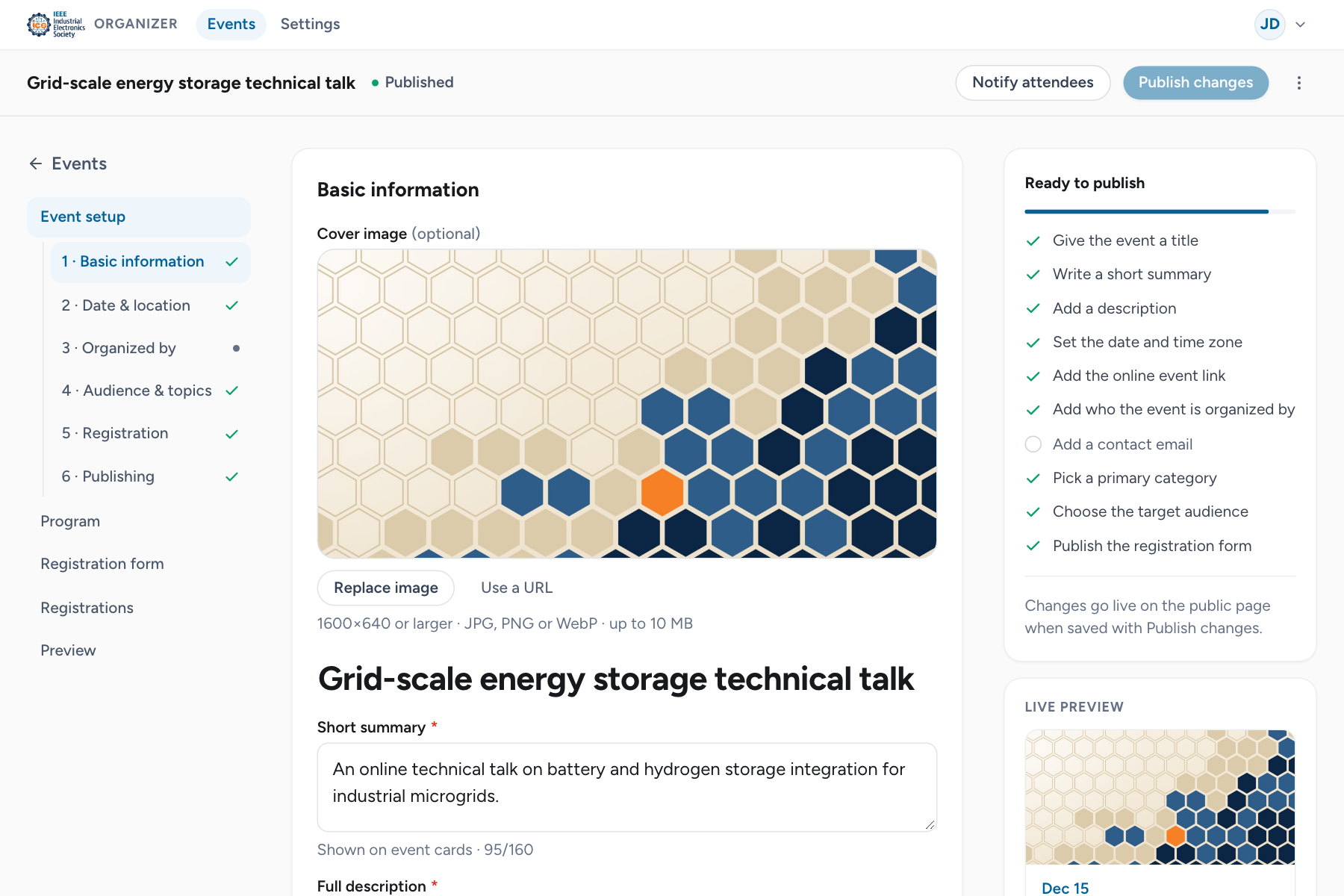
Organizer console
The console lists the events you organize and opens each one in the event editor.
My events
Open My events from the account menu or the footer. The list shows each event's date, organizer, status and number of registrations. Search by title, or switch tabs:
| Tab | Events |
|---|---|
| All | Every event you organize. |
| Live | Published events that have not ended. |
| Drafts | Drafts, events in review and scheduled events. |
| Past | Ended, completed and canceled events. |
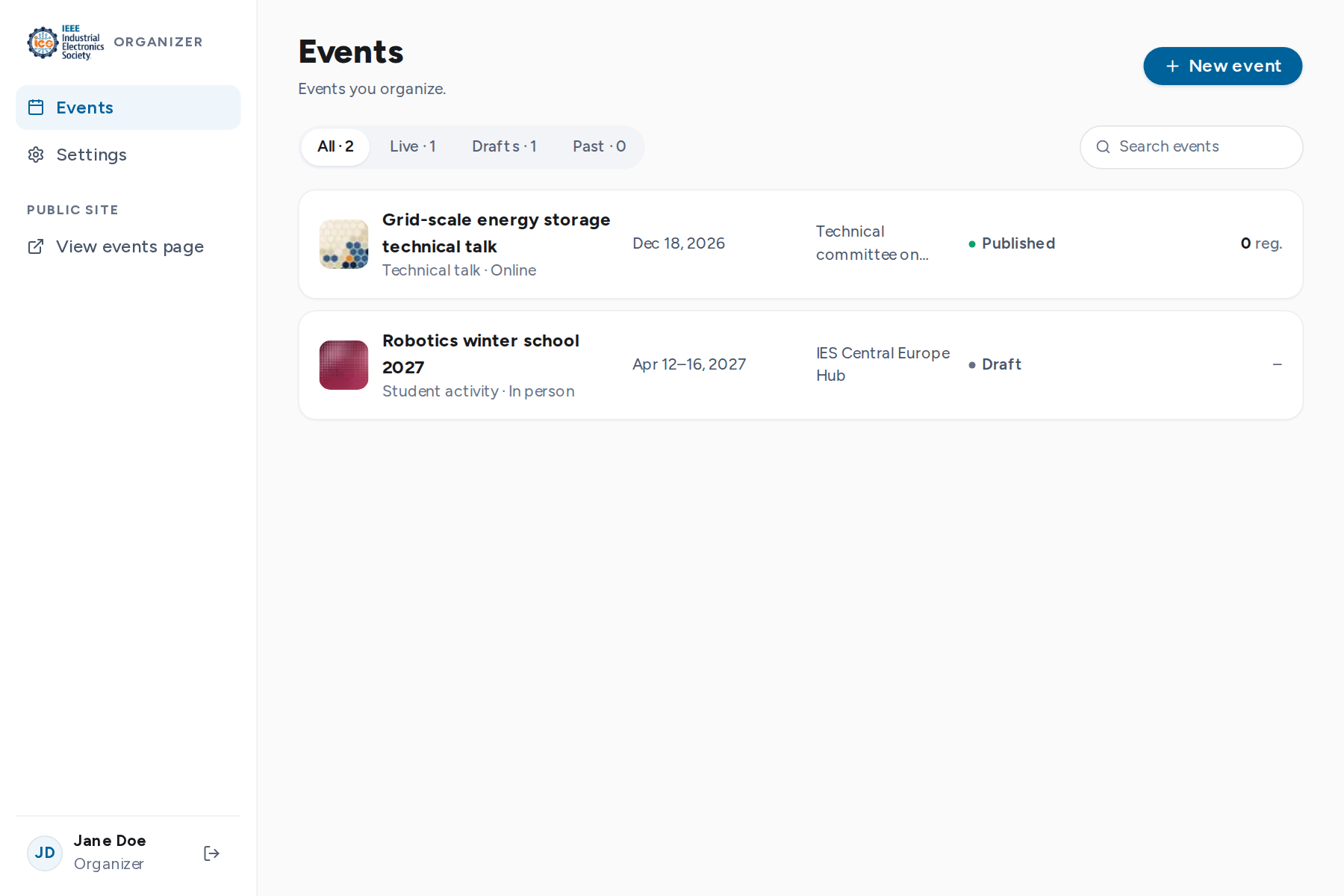
New event creates an untitled draft with the default registration form and opens it in the editor.
The event editor
Select an event to open the editor. The top bar shows the title, status and the actions available at that status. The rail on the left switches between the editor's pages:
| Page | Purpose |
|---|---|
| Event setup | Details, date and location, organizer, team, audience, registration and publishing. |
| Program | Agenda, speakers and the program PDF. |
| Registration form | The questions attendees answer. |
| Registrations | Review and manage who registered. |
| Preview | The public page as it will look, before it is published. |