Co-organizers
Co-organizers edit the event and manage its registrations.
Add a co-organizer
- 1
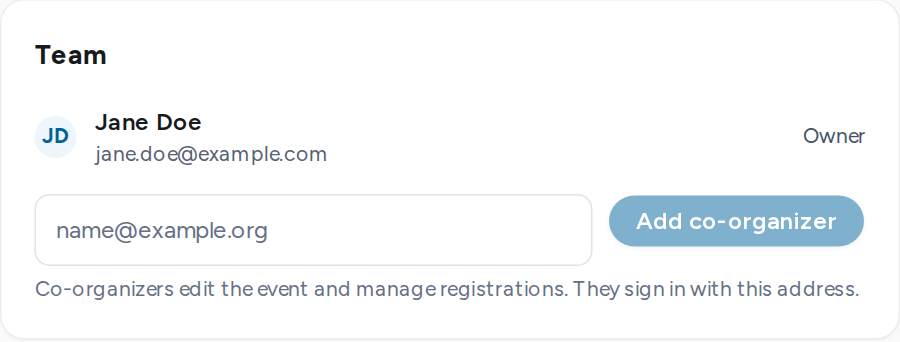
In Event setup, find the Team card.
- 2
Enter the person's email address and select Add co-organizer.
- 3
They receive an email. They sign in with that address to reach the event under My events. An address without an account shows as Invited until its first sign-in.
Owner and co-organizers
| Member | Can |
|---|---|
| Owner | Everything on the event, plus add and remove co-organizers and delete a never-published draft. Each event has one owner. Ownership cannot be transferred. |
| Co-organizer | Edit the event, its program and form, submit it for review, manage registrations and notify attendees. |
A team holds up to 10 people, owner included. Removing a co-organizer sends no email.