Submit an event
Any signed-in account can propose an event. An approver reviews it before it is public.
The submit wizard
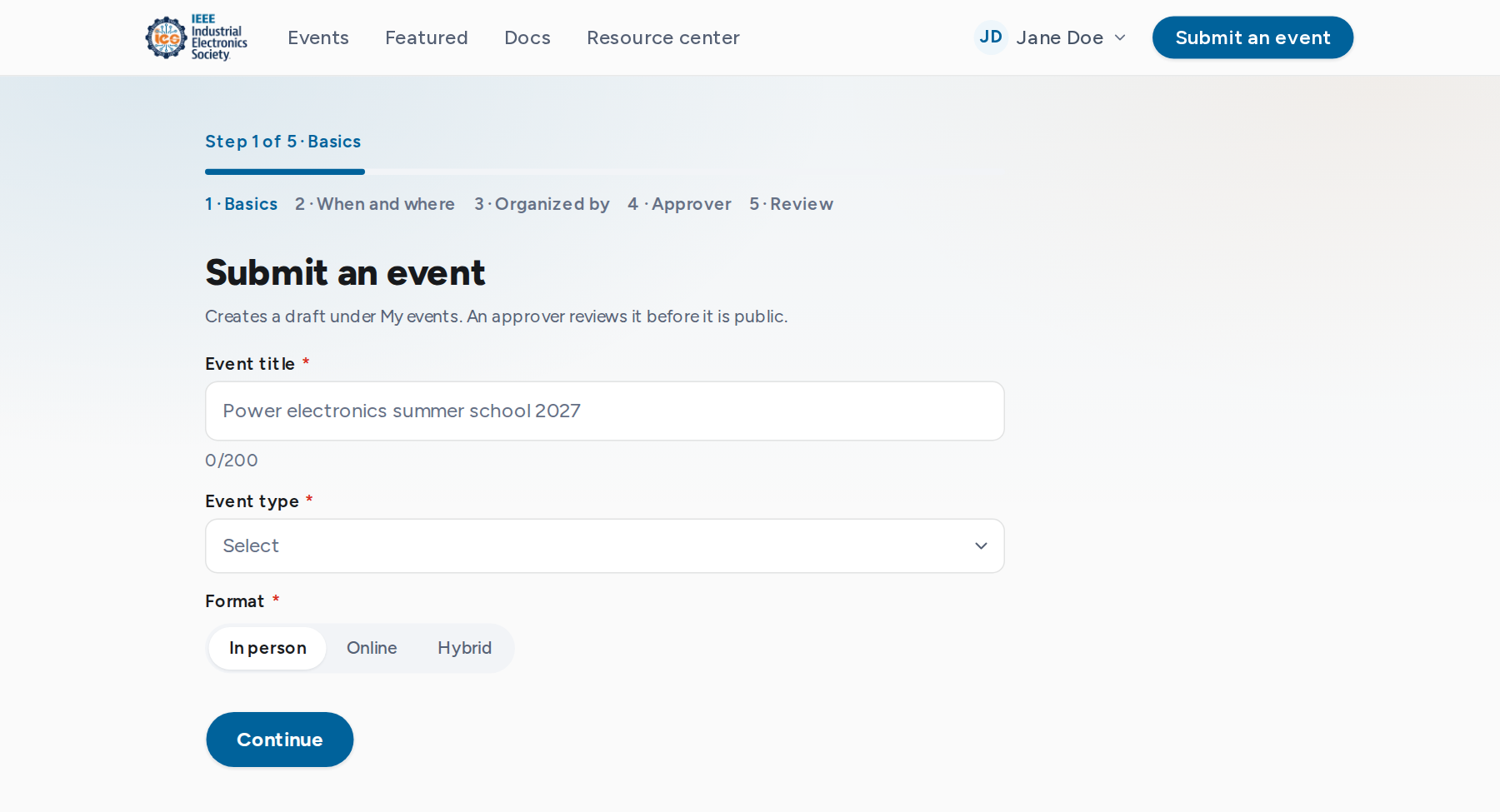
Select Submit an event in the top bar. Signed out, you sign in first and return to the wizard. Its steps:
| Step | What it asks for |
|---|---|
| Basics | Title, event type and format (in person, online or hybrid). |
| When and where | Start and end date and time, time zone, and the venue, city and country or the online link. |
| Organized by | The organizing body's name, a public contact email and a website. |
| Approver | The IES approver who will review the event, chosen by name and position. |
| Review | Every answer, each with an Edit link back to its step. |
Create the draft
Create event saves a draft owned by your account and opens it in the event editor. The draft is not public. Complete the remaining details there, then submit it for review.
The start date must be today or later. A draft in progress survives a page reload, but not leaving the wizard.
An event can also be started from My events with New event. See Organizer console and Review and publishing.