Sign in and your account
Accounts have no password. Each sign-in uses a 6-digit code sent by email.
Sign in
- 1
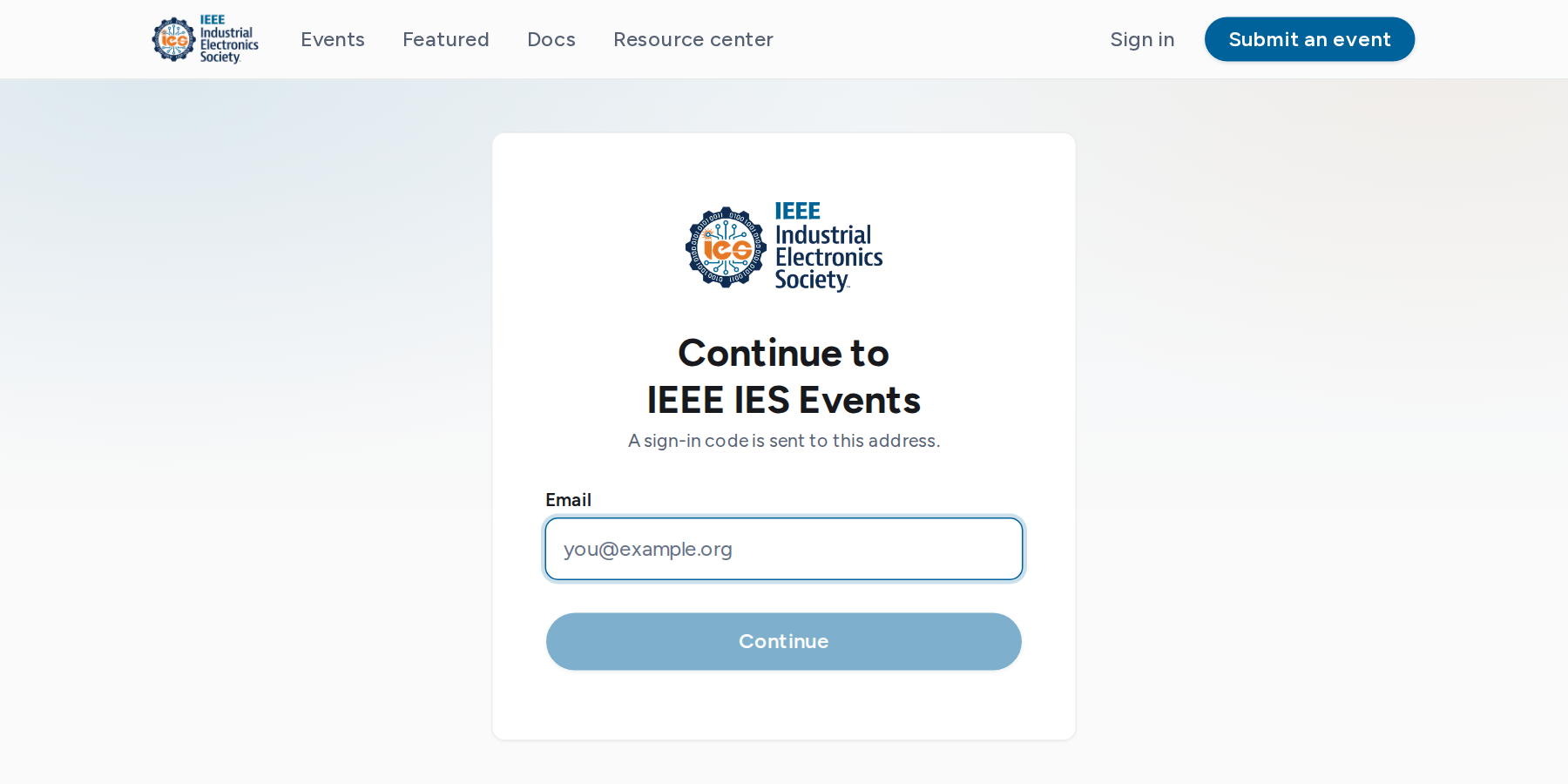
Select Sign in in the top bar, or start registering for an event.
- 2
Enter your email address and select Continue. A 6-digit code is sent to that address. The code is in the email subject.
- 3
Enter the code. The sixth digit signs you in.
New accounts
The first code you enter creates your account. Finish setting up then asks for your name and, optionally, your organization. Organizer and staff pages open only after this step.
Profile
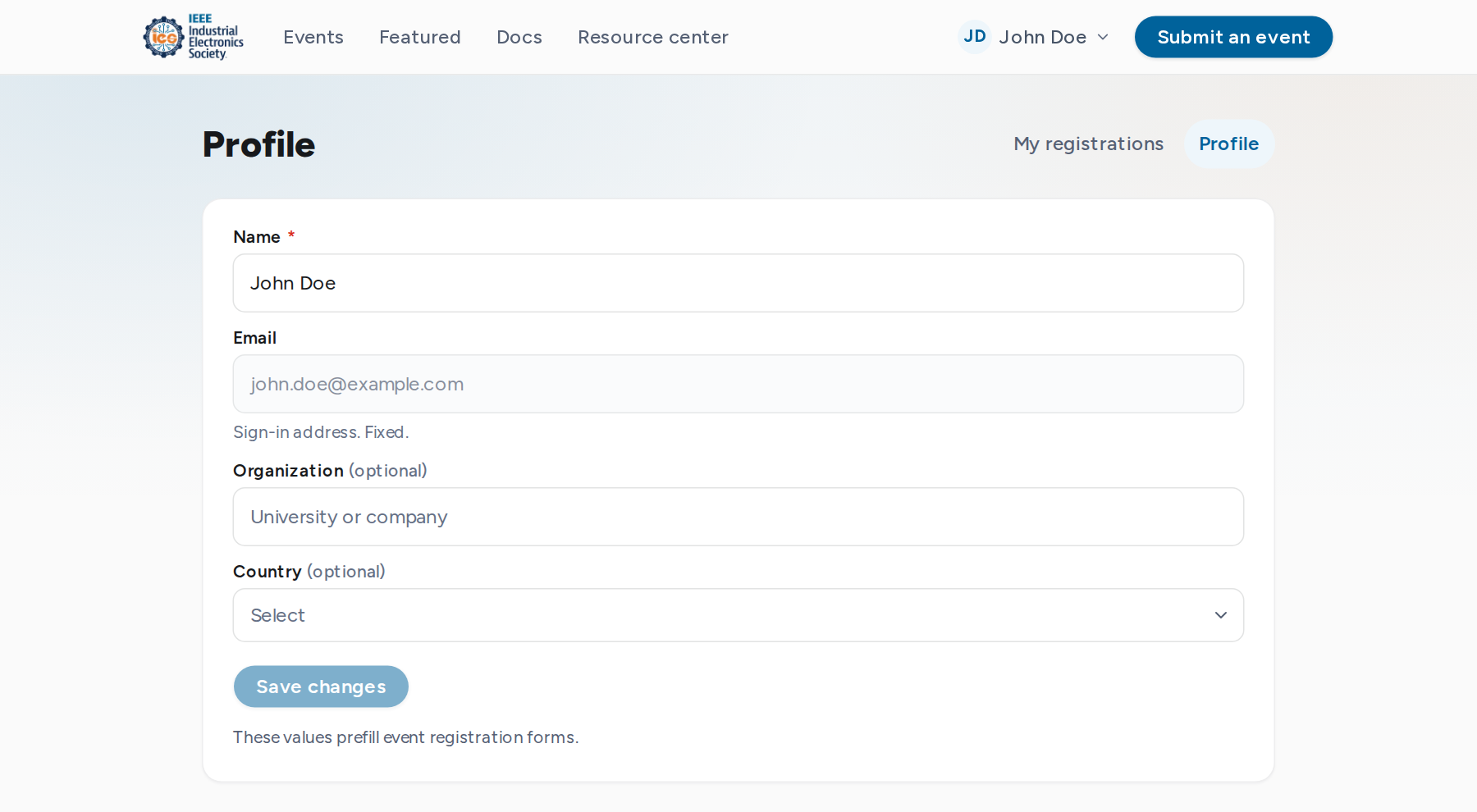
Open Profile from the account menu to change your name, organization and country. These details prefill registration forms. The email address is the sign-in address and cannot be changed.
Sign out
Select Sign out in the account menu. Signing out ends the session in that browser only.
Codes not arriving: see the FAQ.